A villa looks like the perfect remote-work base: space to spread out, a terrace for your morning coffee, and a pool waiting when you close the laptop. But slow Wi-Fi and missing basics can turn that dream workation into a frustrating week of dropped calls and hunts for a decent chair. Working remotely from a villa takes a little more planning than booking a hotel with a business center, yet the payoff is huge when you get it right.
This guide walks you through the practical side of a villa workation. We cover why a villa beats a studio apartment for work, how to test the Wi-Fi before you pay a deposit, backup internet and power plans, setting up a workspace that actually functions, the best times to book and how long to stay, and the daily realities of time zones, groceries and errands. A checklist at the end pulls it all together so nothing slips through before you hit confirm.
Why a Villa Works for Remote Work
The biggest advantage a villa has over a studio apartment or hotel room is separation. With separate bedrooms and living areas, you can close the door on your office at the end of the day instead of staring at your desk from bed. That physical boundary matters more than most remote workers expect, especially on stays longer than a week when the lines between work and rest start to blur.
Villas also give you variety. A terrace for morning emails, a shaded garden table for afternoon calls, a cool living room for focused work after lunch: moving between spots keeps long days fresh in a way a single hotel desk never will.
Built for longer stays
Where villas really earn their keep is on trips of two weeks or more. A private kitchen means you can cook proper meals instead of eating out every night, and a private pool turns an ordinary Tuesday evening into something worth remembering. Split between colleagues or a family, the weekly cost often works out competitive with hotel rooms, and you get far more space per person. For a month-long stay, the comfort and cost-effectiveness are hard to beat.
Testing the Wi-Fi Before You Book
Nothing ruins a workation faster than discovering the “fast Wi-Fi” is a single bar of signal next to a router in the living room. The fix is simple: verify everything before you book. Ask the host for a speed test screenshot taken within the last month, not a promised speed from the internet package. Connections degrade, routers age, and a real screenshot from the villa tells you far more than an advert ever will.
As a baseline, aim for at least 50 Mbps download and 10 Mbps upload. That comfortably handles video calls, screen sharing and large file uploads, even if a family member is streaming in the next room. If a host hesitates to run a fresh test, treat that as a warning sign rather than an inconvenience. If you are choosing between regions, our guide to the best villa areas in Portugal covers which locations tend to have stronger infrastructure.
Questions to put to the host
- Router location: ask whether the router sits in your bedroom area or only in the living room, because walls and distance can cut your signal in half.
- Extenders or mesh systems: if the villa is large or spread over several floors, ask whether a Wi-Fi extender or mesh node covers the rooms you will actually work in.
- Connection type: confirm whether the line is fiber or cable, which are far more reliable, or rural satellite or DSL, which can slow down in bad weather and at peak evening hours.
A host who answers these questions quickly and with specifics is usually a host who has welcomed remote workers before, and that experience shows in small details: a desk already positioned near a window, the router password sent in advance, and honest answers about the connection. Those are the hosts worth booking with.
Backup Internet and Power Plans
Even a villa with excellent Wi-Fi can have an off day, so plan a fallback before you travel. The simplest option is a 4G/5G mobile router, or simply your phone’s hotspot paired with a local data SIM. Renting a pocket router at your destination is often inexpensive, and having a second connection means a dropped fiber line becomes a minor inconvenience rather than a missed client call.
Mobile coverage in coastal European towns is generally strong, typically delivering 20-100 Mbps, which is more than enough for video calls and everyday uploads. Buy the local SIM on arrival or order one online before you fly, and test it the day you land so you are not troubleshooting mid-meeting later.
Power and offline backups
Internet is only half the story. In rural or island locations, ask whether the villa has a generator or backup power, since occasional outages do happen and a dead laptop is no better than a dead router. A fully charged power bank is cheap insurance either way.
Finally, prepare for the worst few hours as well as the worst connection. Download offline maps of the area, save key files locally, and keep an offline copy of your meeting notes and contacts. If both connections fail for a few hours, you can still work, find your way to a cafe with Wi-Fi, and stay calm while the villa’s line comes back.
Setting Up a Practical Workspace
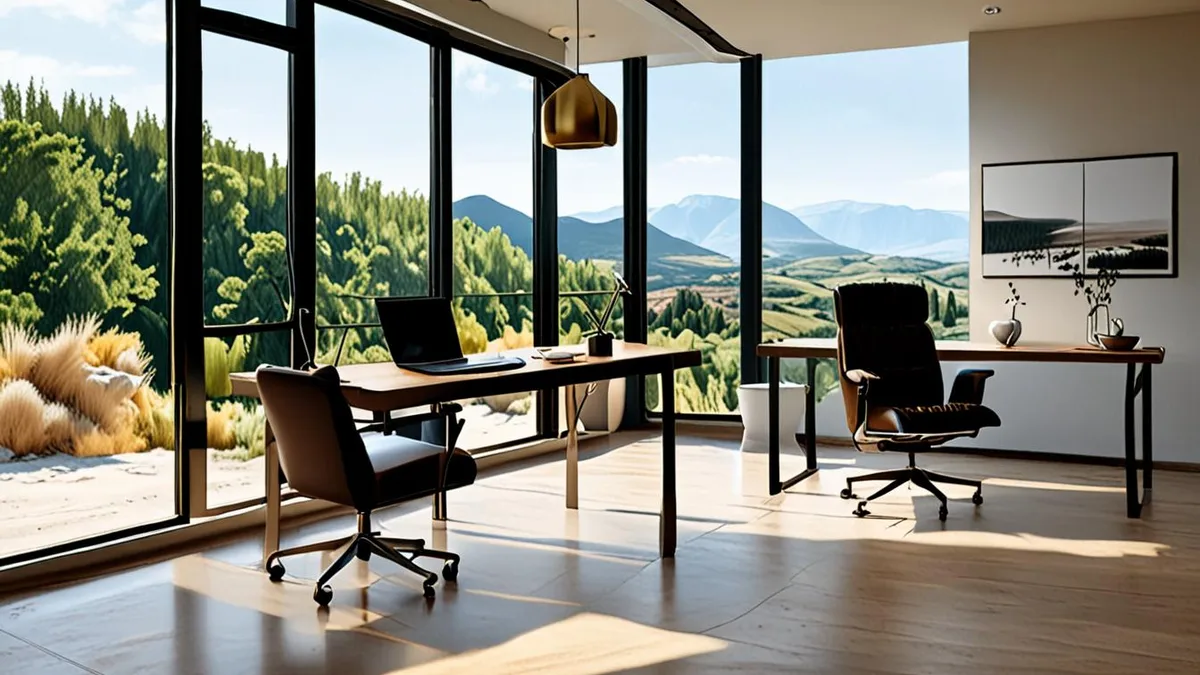
The difference between a productive workation and a week of neck pain usually comes down to one thing: whether the villa has a real workspace. When browsing listings, filter specifically for villas that mention a desk and an ergonomic chair. Many hosts now advertise this, and photos will show you exactly what you get. If the listing only offers a dining table, plan to bring your own kit.
Placement matters more than most travelers expect. Once you arrive, spend ten minutes rearranging before your first call. Set up near a window so you get natural light during the day, which reduces eye strain and keeps you alert. Then open your video app and check what colleagues will see behind you. A tidy bookshelf or garden view looks professional; a bed or laundry rack does not.
Also think about temperature. Terraces sound appealing, but midday heat or an afternoon breeze can make outdoor work miserable, so your indoor setup needs to be comfortable. Confirm with the host that the room you plan to work in has air conditioning or heating, not just the bedrooms.
- A portable laptop stand paired with a travel keyboard raises your screen to eye level and packs flat in checked luggage, turning any sturdy table into a usable desk.
- Ask whether the air conditioning in the work room runs on a separate unit or a shared system, since shared setups can be switched off by other guests or the host.
- Test your chair for a full hour before your first meeting; a hard dining chair becomes painful by mid-afternoon, and some hosts will swap in an office chair if you ask politely.
When to Book and How Long to Stay
If you have settled on May, June or September as your workation window, start your search two to three months ahead. Demand from remote workers has grown noticeably in these shoulder months, and the villas with proper desks and reliable fiber connections tend to be the first ones booked. Waiting until a few weeks before departure usually means choosing from what is left rather than what suits your working week.
There is a real financial upside to traveling outside the peak season. Weekly rates in May, June and September often run 20-40% below July-August prices, and the weather in much of southern Europe is still warm enough to work from the terrace without melting. Over a month-long stay, that difference can cover flights, a car rental, or a generous grocery budget. Fewer crowds also mean quieter cafes and easier restaurant bookings on your days off.
Asking for a long-stay discount
If you are planning two weeks or more, it is entirely reasonable to ask the host for a long-stay rate. Many villa owners offer one, commonly in the range of 10-20% off the weekly price, because a confirmed longer booking saves them the turnover work of back-to-back short stays. Mention your dates and flexibility in your first message and ask politely; the worst outcome is a simple no, and many hosts will meet you partway even if they cannot offer the full discount. Get the agreed rate confirmed in writing before you pay any deposit.
Daily Practicalities: Time Zones, Groceries and Errands
Working from a villa in southern Europe sounds dreamy, but a three-hour time gap can quietly reshape your day. Most of Spain, Italy, Greece and Croatia sit one to three hours ahead of the UK, which usually works in your favor: a 9 a.m. UK call lands at 10 a.m. or noon locally, leaving your mornings free for errands or a swim. Ask your team early whether they expect overlapping hours all day or just a couple of fixed meetings.
Rural villas trade convenience for peace, and that shows in daily logistics. A villa ten minutes from a beach town can still be 20-30 minutes by car from the nearest proper supermarket, so plan grocery runs rather than nipping out for bread. Pharmacies and good cafes are often clustered in town, not in the village nearest you.
Before you book, get specific with the host about the practicalities. Questions worth asking include:
- Distances: how far the nearest supermarket, pharmacy and cafe are in minutes by car, not kilometers, so you can judge a realistic errand loop.
- Car necessity: whether a rental car is genuinely essential, and whether the villa offers free, on-site parking rather than street parking in town.
- Service schedules: when cleaners and pool maintenance visit each week, and whether they can come on a day or time that avoids your calls.
None of these details are dealbreakers, but knowing them in advance turns a good villa into a genuinely workable one. Ask now, not after you have already missed a meeting because the pool guy arrived mid-presentation.
Your Villa Workation Checklist
A villa can absolutely be the perfect remote-work base, but only if the essentials hold up. Before you pay any deposit, ask the host to verify that the connection can handle real workloads — think download speeds around 50 Mbps with uploads near 10 Mbps — and line up a mobile backup option in case the Wi-Fi drops mid-call.
Timing matters too. Aim to reserve your villa well ahead of the shoulder-season workation window, target a stay of two weeks or longer, and confirm a proper desk setup, backup power, and nearby shops and parking. Get these details settled and your workation runs smoothly instead of turning into a frustrating week of dropped calls. Have you worked remotely from a villa? Share your experience in the comments or pass this article along to a fellow remote worker.